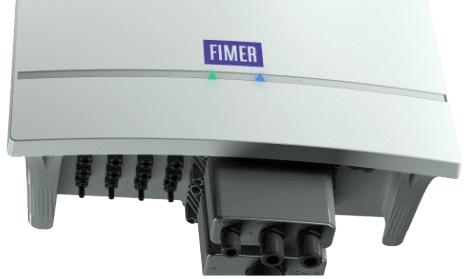
How to Reboot a FIMER Inverter
Follow these steps to safely reboot your FIMER inverter.
Table of Contents
When to Reboot
Do not attempt rebooting the inverter system during hot weather conditions. The optimal time to perform an inverter reboot is between 7 AM - 10 AM or 5 PM - 7 PM.
Why Inverters Might Require Rebooting
FIMER inverters have a built-in safety feature that automatically shuts down to prevent system risks (such as fires) when an MPPT shorting is detected. However, false positives may occur, requiring individual isolation of your system to prevent recurrence.
It is advised to consult with technical support through GAGAHub before carrying out a reboot.
The image below represents an inverter system, each system may vary in components and equipment. The blue indicated box representing the DC box and the red indicated box representing the AC isolator.
Steps
Step 1 - AC Isolator
- Turn off the AC isolator and wait for 10 seconds.
Step 2 - Turn off DC Switch
- Turn off the DC switches in the DC box and wait for 5 minutes to reset.
Step 3 - Turn on DC Switch
- After the reset period, turn on the DC switches and wait 10 seconds.
Step 4 - AC Isolator
- Turn on the AC isolator and wait 5 minutes.
Step 5 - Inverter Synchronizing
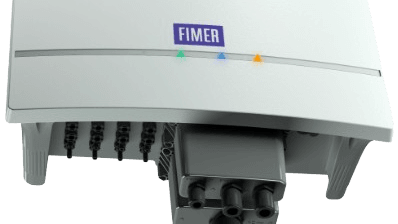
- The green light indicator should turn solid, verifying that the inverter is functioning normally.